Record Job Site Geo Location with Easy App for Contractors

By Dave Halmai • Published: May 02, 2026 • 4 min read
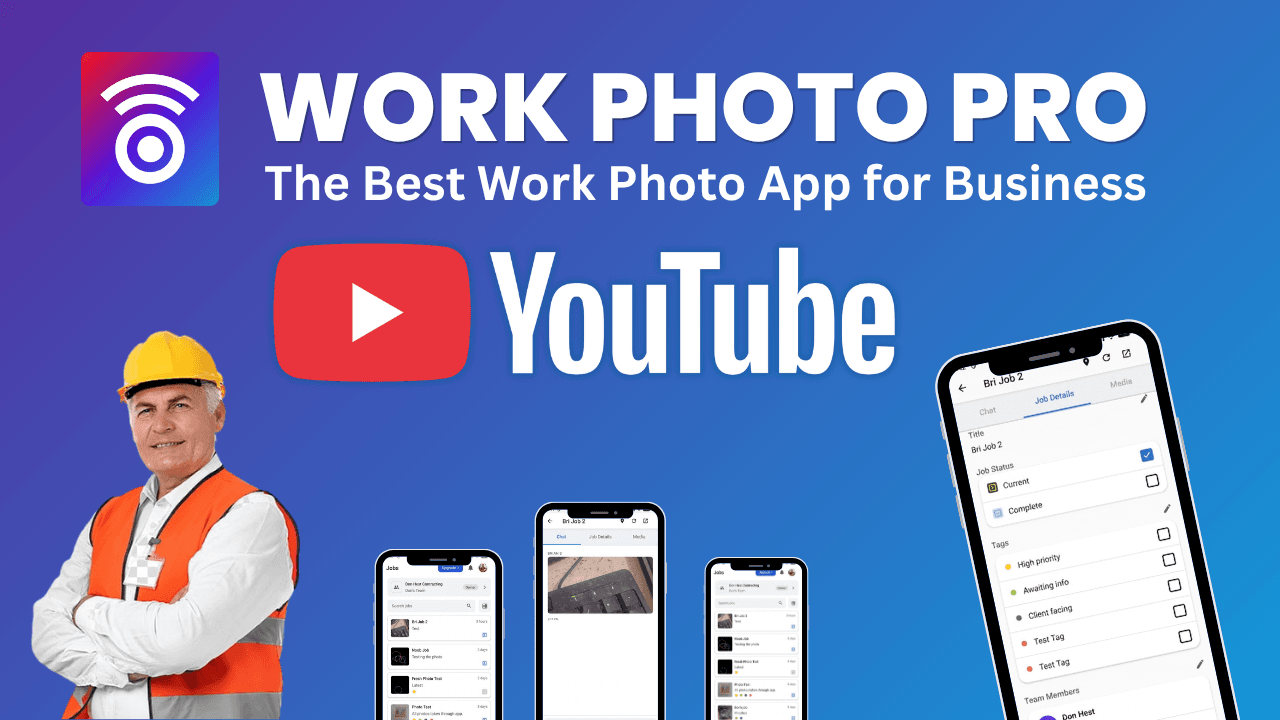
Managing multiple job sites can quickly become confusing, especially when teams and clients need clear directions. In this video, you'll learn how to use Work Photo Pro to instantly record and share precise job site locations.
Watch the video below:
Quickly Access and Open Your Job
The process starts with something simple but essential—logging into Work Photo Pro and opening the job you're working on.
Inside the app:
- Log in with your credentials
- Navigate to your job list
- Select the specific job where you want to save the location
Each job acts as a centralized hub, storing not just photos and notes, but also critical details like location data. This ensures that every piece of information tied to a project is organized in one place.
Capture Your Job Site Location Instantly
Once inside the job, recording the location takes just seconds.
Here's how it works:
- Tap the location button
- Allow the app to automatically detect your position
- Confirm the location
Work Photo Pro uses your device's GPS to capture accurate coordinates without requiring manual input. This eliminates the risk of typos or incorrect addresses and ensures that your job site is recorded precisely.
The simplicity here is key—no complicated setup, no extra steps. Just tap, detect, and save.
Share Locations with Your Team and Clients
After saving the location, sharing it is just as fast.
With a single tap:
- Hit the share button
- Send the location directly to team members or clients
The shared location is tied to the job, meaning anyone with access can view it at any time. This creates a reliable reference point for everyone involved in the project.
Instead of sending separate messages or manually typing addresses, everything stays connected to the job itself.
Seamless Integration with Google Maps
One of the most powerful aspects of this feature is its direct integration with Google Maps.
When a location is shared:
- It includes the full address
- It opens directly in Google Maps
- Users can immediately get GPS directions
This makes it incredibly easy for:
- Crew members driving to job sites
- New team members joining a project
- Clients who need to visit the location
There's no need to copy and paste coordinates or search manually—everything is handled automatically.
Keep Every Job Organized and Accessible
Saving locations isn't just about navigation—it's about organization.
When each job includes:
- Photos
- Notes
- Reports
- Exact location data
You create a complete, structured record of your work.
At any time, you can:
- Revisit past jobs
- Verify where work was completed
- Share accurate information with stakeholders
This becomes especially valuable for businesses managing multiple projects simultaneously across different areas.
Why This Matters for Field Service Teams
If you're running or working in a field service business, location tracking is more important than it might seem at first.
Without a clear system, teams often deal with:
- Confusing or incomplete directions
- Time lost trying to find job sites
- Miscommunication between crews and clients
- Delays that impact schedules and productivity
By using Work Photo Pro to capture and share job site locations:
- Everyone knows exactly where to go
- Travel time is reduced
- Communication becomes clearer and more consistent
- Projects run more efficiently
For growing teams, this kind of structure helps prevent small issues from turning into costly problems.
It also improves professionalism. When clients receive a precise location link that opens instantly in their navigation app, it creates a smoother, more reliable experience.
Explore More Features
Location tracking is just one part of what Work Photo Pro can do. The platform is designed to help field service teams stay organized and efficient across every part of their workflow.
To learn more:
- Explore the full feature set on the /features page
- See how different industries use the app on the /use-cases page
These resources will help you understand how Work Photo Pro fits into your daily operations and how it can scale with your business.
Final Thoughts
Keeping track of job site locations doesn't need to be complicated. With Work Photo Pro, you can capture, store, and share accurate locations in just a few taps.
By combining GPS tracking with job-based organization, the app ensures that every project is documented clearly and consistently. Whether you're managing a small team or coordinating multiple crews, having reliable location data makes a measurable difference.
Get Started Today
Ready to simplify how you manage job site locations and keep your team aligned?
👉 Download Work Photo Pro here: /download
Start organizing your jobs, photos, and locations—all in one place.
Download Work Photo Pro Now
Start organizing your work photos today. Join thousands of field service professionals who trust Work Photo Pro to keep their job site documentation organized and accessible.
Get Access for 3 Team Members FREE for Life


We are building the app, beta launch coming soon.
Join our Facebook Group