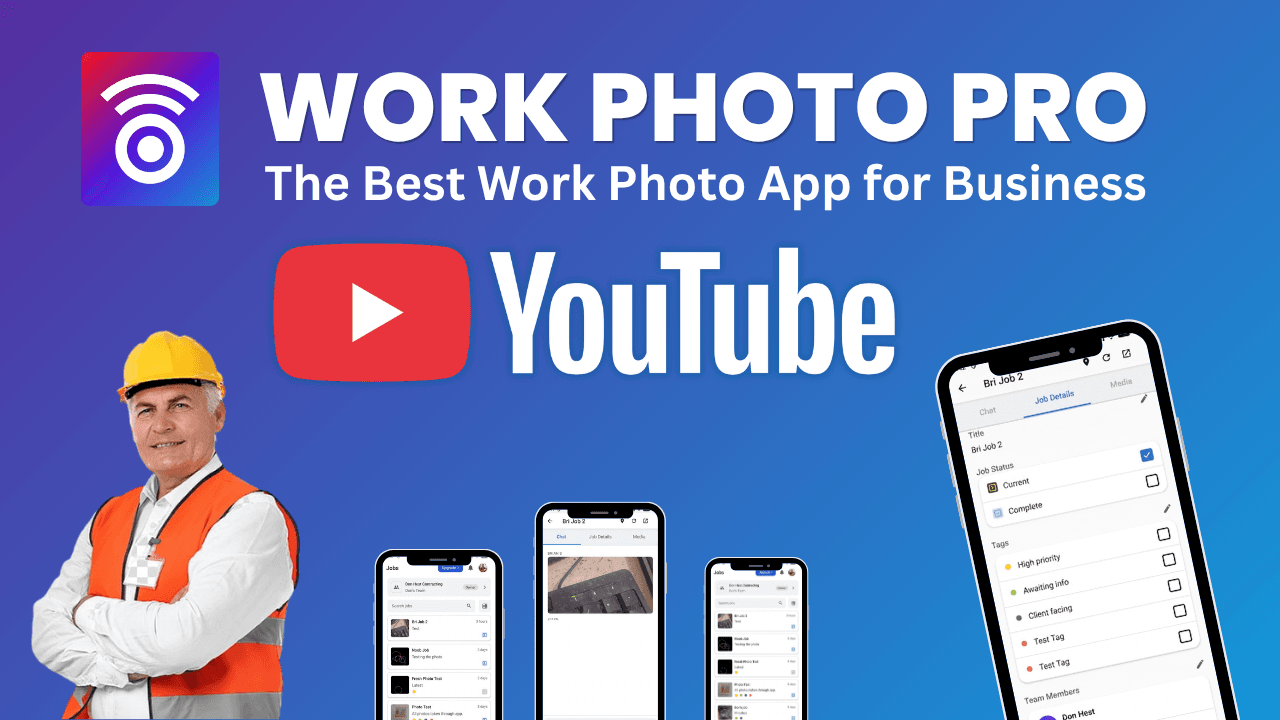
Getting Started with Work Photo Pro
Help Center
By Work Photo Pro Team • Published: Apr 03, 2025 • 2 min read
Download Work Photo Pro
Work Photo Pro is available on both iOS and Android devices. Visit our download page to get started:
- iOS: Download from the App Store
- Android: Download from Google Play Store
Want to learn more about our features? Check out our features page or contact support if you have questions.
Create Your Account
- Open the Work Photo Pro app on your device
- Tap "Sign Up" to create a new account
- Enter your email address and create a password
- Verify your email address
Set Up Your Profile
After creating your account, you can set up your profile:
- Add your name and profile photo
- Enter your company information
- Configure your notification preferences
Start Adding Photos
Once your account is set up, you're ready to start using Work Photo Pro:
- Tap the camera icon to capture photos
- Or import existing photos from your device
- Organize photos into jobs and projects
- Share with your team members
Need Help?
If you have any questions or need assistance, please contact our support team at webphotopros@gmail.com.
References
- SCORE — Technology Tools Every Small Business Should Have — SCORE mentors on choosing the right mobile and productivity tools for field service and small businesses.
- U.S. Small Business Administration — Manage Your Business — Official SBA guidance on tools, recordkeeping, and workflows for managing a small business effectively.
- NAHB — Technology for Contractors — National Association of Home Builders resources on mobile apps and technology adoption for contractors and tradespeople.